Call Protect Alternative: How Traceback Reveals Hidden and No Caller ID Calls
An honest comparison of Traceback and Call Protect

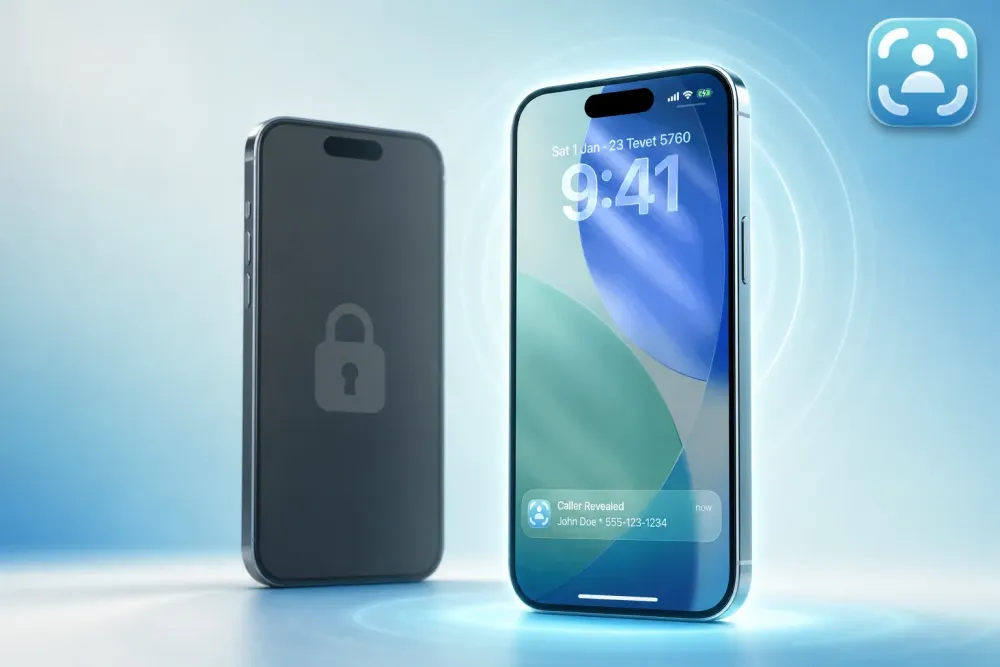
You installed AT&T Call Protect (now part of the AT&T ActiveArmor app) to stop robocalls. It works. But every few days, a "No Caller ID" call still gets through: someone who clearly knows your number, calling at odd hours, hanging up when you answer. Call Protect can't tell you who it is because Call Protect doesn't reveal hidden numbers. It blocks spam. If your problem is a person deliberately hiding their caller ID, you need a different tool.
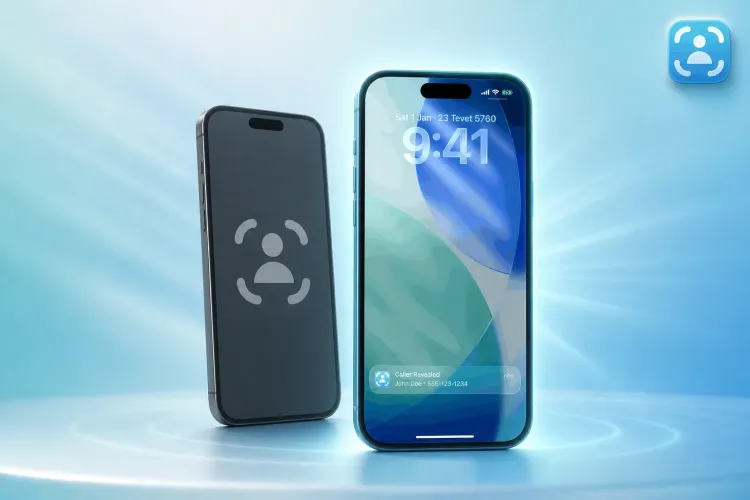
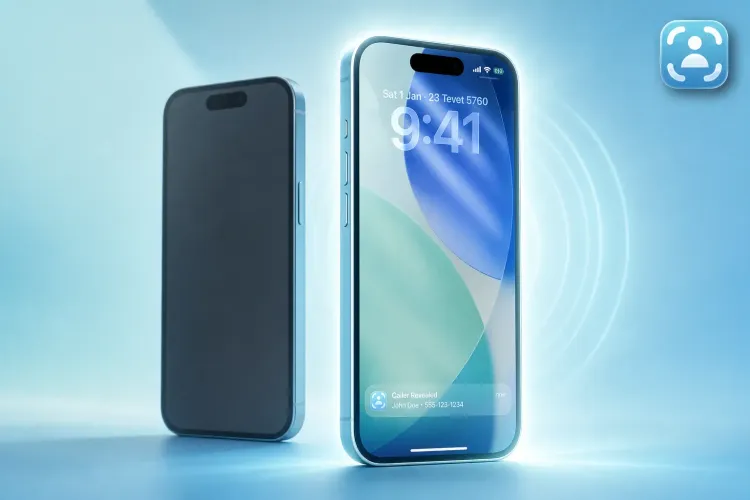
Traceback reveals the actual number behind hidden and No Caller ID calls on iPhone and Android. Call Protect filters robocalls using AT&T's spam data; Traceback uses conditional call forwarding to capture the real number after you decline the call. Call Protect is free for AT&T customers, and Traceback has a free trial. The question is: do you need to block robocalls, or unmask a hidden caller?
Bottom Line: Who Should Choose Traceback vs. Call Protect
Choose Traceback if you need to unmask hidden or No Caller ID calls: ex-partners, harassment, unknown callers targeting you specifically. Choose Call Protect if your main problem is robocalls and spam, and you don't need to reveal blocked numbers. Call Protect does not reveal hidden caller ID; Traceback does.
Side-by-Side: Traceback vs. Call Protect
| Feature | Traceback | Call Protect |
|---|---|---|
| Reveals hidden / No Caller ID calls | Yes | No |
| Works on iPhone | Yes | Yes |
| Works on Android | Yes | Yes |
| Reveals the number before you answer | No (after you decline or block) | N/A (doesn't reveal at all) |
| Carriers | All major US carriers | AT&T customers only |
| Free to start | Free trial | Free with AT&T |
| Best for | Unmasking hidden callers | Blocking robocalls and spam |
What Call Protect Does Well
Call Protect excels at what it was built for: blocking robocalls and filtering spam. It uses AT&T's network data on active spam and robocallers, automatically blocking high-risk numbers and labeling suspicious ones before they reach you. If your phone rings with a robocall from a known telemarketer or scammer, Call Protect stops it. That's the value. For people whose primary pain is volume (dozens of robocalls a week), Call Protect delivers exactly what it promises. It works quietly in the background, reducing unwanted calls without asking you to do anything. No friction, no learning curve.
The app is free for AT&T wireless customers on iPhone and Android and is designed for people who want protection from the robocall onslaught. If that's your problem, Call Protect is a legitimate solution. It doesn't try to unmask hidden callers because that's not its job.
The Honest Difference: Unmasking vs. Blocking
Call Protect focuses on blocking robocalls; Traceback reveals the real number behind hidden and No Caller ID calls. The difference matters when your problem isn't robocalls but a specific person calling from No Caller ID. Call Protect matches incoming numbers against a spam database. If there's no number to match, it can't help you. Traceback works differently: it uses conditional call forwarding to redirect declined or blocked calls through Traceback's system, capturing the real number within seconds. You decline the call, open Traceback, and see who it was.
Why does this matter? Say a blocked number calls you five times a day. Your ex, a harasser, a prank caller. Someone targeting you. Call Protect can't unmask them because it doesn't see the number. Traceback can. If your problem is robocalls from strangers, Call Protect is built for that. If your problem is a hidden caller you need to identify, Traceback is built for that.
Neither tool defeats caller-ID spoofing, where a fake number or name like "Medicare Services" appears on your screen. Traceback reveals hidden and No Caller ID calls only, meaning calls that arrive with no number shown at all. If a call shows a fake number, Traceback won't reveal what's behind it. But if the same harasser calls from No Caller ID in a pattern, Traceback will unmask those calls.
Who Each Tool Is Best For
Call Protect is best for people whose primary pain is robocalls and spam. You want automated filtering, you don't need to know who every spam caller is, and you just want fewer interruptions. Call Protect delivers that. Set it up once, let it run, and your phone rings less. For comparison, similar tools like Nomorobo focus on blocking robocalls, not unmasking hidden numbers.
Traceback is best for people who need to know who is calling from hidden or No Caller ID numbers. Someone is targeting you, and you need to unmask them. You're dealing with harassment, an ex who won't stop, a persistent prank caller, or any situation where the caller is deliberately hiding their number. Both can coexist: you could theoretically use both if you need spam filtering and hidden-caller unmasking, but most people pick one based on their primary need. If unmasking hidden calls is your goal, Traceback is the answer. If blocking robocalls is your goal, Call Protect is designed for that. Tools like Hiya and RoboKiller also focus on spam filtering, not revealing hidden numbers.
What to Do Right Now
- Identify your main problem: robocalls (Call Protect focus) or hidden caller unmasking (Traceback focus).
- If unmasking hidden calls is your goal, try Traceback's free trial on iPhone or Android.
- Set up conditional call forwarding. Traceback guides you through it in the app to start capturing hidden numbers.
- Review your first unmasked call report and decide if Traceback is the tool you need.
- If robocalls are your only concern, explore Call Protect. If hidden calls are the issue, Traceback is built for that.
- Save your reports if a call was harassing, and file a complaint at reportfraud.ftc.gov with the report attached if needed.
FAQ
Does Call Protect reveal hidden caller ID?
No. Call Protect blocks robocalls and spam from known databases. It does not reveal the number behind hidden or No Caller ID calls.
Does Traceback work on iPhone?
Yes, and Android. Traceback works on both platforms. Setup is a one-time call forwarding code that the app dials for you.
How does Traceback reveal hidden numbers?
Traceback uses conditional call forwarding. After you decline or block a hidden or No Caller ID call, Traceback redirects it through its system and captures the real number within seconds. You see the result in the app.
Can I use Traceback and Call Protect together?
Technically yes, but they solve different problems. Call Protect filters robocalls; Traceback unmasks hidden callers. Most users pick one based on their primary need. If you're dealing with both robocalls and hidden harassment, you could run both, but it's rare.
Does Traceback have a free trial?
Yes, there's a 3-day free trial. Visit Traceback's pricing page for plans. It's a subscription, not a per-call charge.
Is Traceback only for harassment cases?
No. Anyone who needs to unmask hidden or No Caller ID calls can use Traceback. Ex-partners, unknown callers, persistent blocked numbers, or anyone calling from No Caller ID you need to identify.
Does Traceback reveal the number before I answer?
No. Traceback reveals the number after you decline or block the call. The system captures it during the redirect, then surfaces it in your report. You don't see it live on the ringing screen.
What carriers does Traceback work with?
All major US carriers, including Verizon, AT&T, T-Mobile, Cricket, Metro, Mint Mobile, Visible, US Cellular, Spectrum Mobile and Xfinity Mobile. See the full list in Is my carrier supported. Android users can also block calls natively, and Traceback layers on top to reveal hidden numbers.
Why doesn't Call Protect unmask hidden calls?
Call Protect is designed to block robocalls by matching incoming numbers against a spam database. If there's no number to match, like a No Caller ID call, it can't identify it. That's not its function. The FCC regulates robocall blocking, but unmasking hidden numbers requires a different technical approach, which is what Traceback provides.
Can I file a complaint with Traceback's reports?
Traceback keeps a record of every revealed call, and you can generate a PDF of a specific call to save or share. You can file a complaint at the FTC complaint assistant and attach your report. Traceback reports are documentation you keep and may choose to share with authorities for your records.
If someone is hiding their number and you need to know who it is, try Traceback free on iPhone or Android. Unmask what Call Protect can't.
Related: Mr. Number Alternative: How Traceback Reveals Hidden and No Caller ID Calls
By the Traceback Editorial Team · Last reviewed October 2026
Traceback is a caller ID reveal app built by a studio of software engineers and operators. We cite primary sources inline and review every article before publishing.
⚠️ Disclaimer: This article is general information only and does not constitute legal advice. For any specific legal situation, consult a qualified attorney. Traceback is not responsible for legal outcomes.
Tom Aflalo is co-founder of Traceback, the app that reveals the real number behind hidden and No Caller ID calls. He works on the product and on the guides in this blog and help center, which are checked against how the app actually works.
feedback@trytraceback.com