RoboShield Alternative: How Traceback Reveals Hidden and No Caller ID Calls
An honest comparison of Traceback and RoboShield

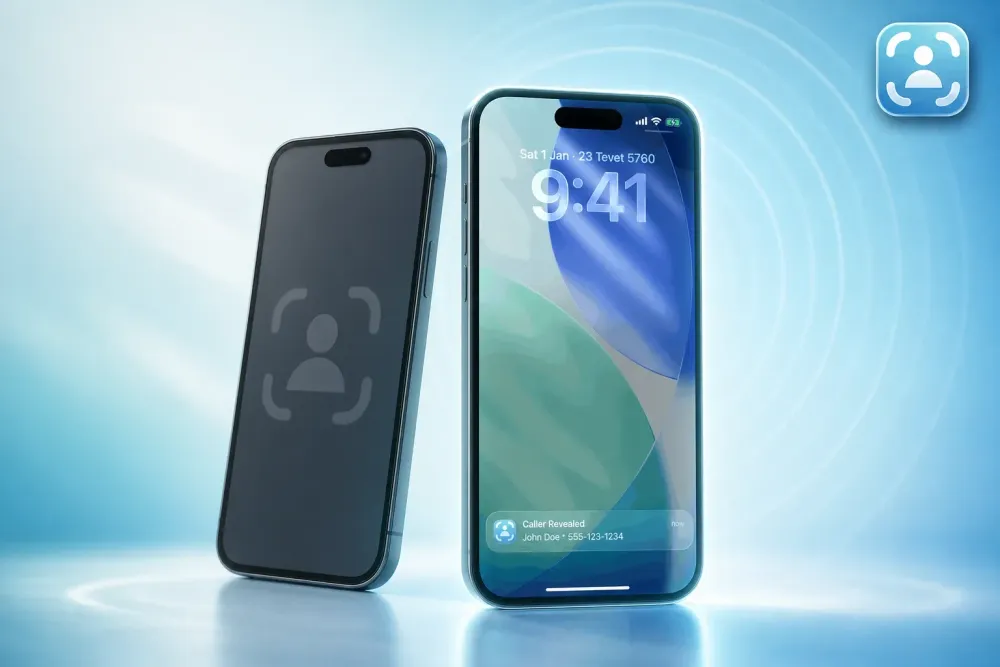
RoboShield blocks spam calls before they ring. Traceback reveals the real number behind hidden and No Caller ID calls after you decline them. If you need to know who is calling from a blocked number, Traceback is the tool. If you want to stop robocalls from ever reaching your phone, RoboShield handles that.
This isn't a competition. They solve different problems. RoboShield focuses on blocking robocalls and spam, not unmasking hidden or No Caller ID calls. Traceback reveals the actual number behind hidden and No Caller ID calls on iPhone and Android. Many people face both problems, but if a blocked caller is harassing you and you need to know who they are, that's where the tools diverge.
I built Traceback because no service was unmasking hidden calls in real time. RoboShield built a different solution: AI-powered call screening and blocking. Both are legitimate tools. Here's the honest breakdown.

Photo: Pixabay
The Core Difference: Blocking vs Revealing
RoboShield is a call-blocking service. It screens incoming calls, identifies spam and scams using an AI-powered database, and blocks unwanted calls before your phone rings. It works on iPhone with AT&T, T-Mobile, Verizon, and other US carriers. It offers a 14-day free trial, then requires a subscription to access full protection.
Traceback is a call-revealing service. When someone calls from a hidden, blocked, or No Caller ID number, Traceback uses conditional call forwarding to capture the real number within seconds after you decline the call. It works on iPhone and Android across Verizon, T-Mobile, AT&T, and more US carriers. You get a detailed PDF report showing the real number and the caller's name when available.
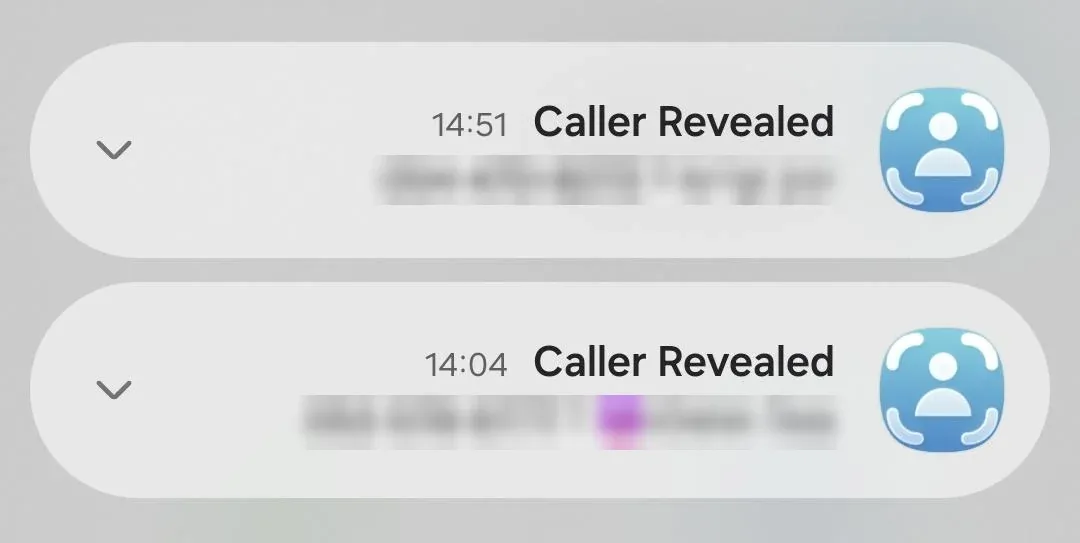
Neither replaces the other. If you're drowning in robocalls, RoboShield's automatic blocking may solve your problem. If someone is calling you from a hidden number and you need to know who they are, Traceback is the answer.
Feature Comparison Table
Here's what each service actually does, based on verified research and our own product specs.
| Feature | Traceback | RoboShield |
|---|---|---|
| Reveals hidden or No Caller ID calls | Yes | No |
| Works on iPhone | Yes | Yes |
| Works on Android | Yes | Yes |
| Blocks spam and robocalls | No | Yes |
| AI-powered call screening | No | Yes |
| Free trial | Yes | Yes (14 days) |
| Best for | Unmasking hidden, blocked, and No Caller ID calls | Blocking robocalls and spam before they ring |
Traceback has revealed over 167,000 hidden and No Caller ID calls for our users. RoboShield's strength is prevention-stopping spam calls from reaching you in the first place.
What RoboShield Does Well
RoboShield uses AI to screen incoming calls and separate legitimate callers from scams, robocalls, and spam. It identifies spam calls using a database updated regularly. You can customize which calls get blocked, look up unknown numbers, and report scam calls to the FTC directly from the app.
The service integrates with major US carriers (AT&T, T-Mobile, Verizon) and works on iPhone. If your main problem is robocalls flooding your phone, RoboShield's automatic blocking handles that before you ever see the call.
It's a solid prevention tool. It stops the noise. That's what it's built for.
What Traceback Does That RoboShield Doesn't
RoboShield does not reveal who is behind a hidden or No Caller ID call. It blocks spam, but if someone deliberately hides their number, RoboShield has no number to match against its database.
Traceback solves that problem. When a hidden, blocked, or No Caller ID call comes in, Traceback uses conditional call forwarding to route the call through our system. We capture the real number within seconds after you decline or forward the call. The number appears in your Traceback app along with the caller's name when available. You can generate a PDF report showing the real number behind the hidden call.
Traceback works on iPhone and Android. It covers Verizon, T-Mobile, AT&T, Mint Mobile, US Cellular, Cricket, Boost, Visible, Metro, and Spectrum Mobile. Setup takes under five minutes-Traceback guides you through enabling conditional call forwarding on your device. See our help center for setup instructions on how to unmask a No Caller ID call.
Traceback doesn't block calls. It reveals who hid from you. If you block No Caller ID calls on your phone and forward them to Traceback, you can still reveal the number without your phone ever ringing.
That's the difference. RoboShield stops spam before it reaches you. Traceback tells you who called when they deliberately hid their number.
Who Each Service Is Best For
Choose Traceback if:
- You receive calls from hidden, blocked, or No Caller ID numbers and need to know who they are
- You're dealing with harassment or persistent blocked callers
- You need a solution on iPhone or Android that works across major US carriers
- You want a report showing the real number behind hidden calls that you can save or share
Choose RoboShield if:
- Your main problem is robocalls and spam flooding your phone
- You want calls blocked before they ring, not revealed after
- You use an iPhone and want AI-powered call screening
- You need to report spam calls to the FTC directly from the app
If you face both problems-spam robocalls and hidden callers-you might use both. They don't conflict. Traceback reveals what RoboShield can't: the actual number behind No Caller ID and blocked calls.
For a broader comparison of tools that reveal hidden calls, see our best apps to reveal No Caller ID guide. For iPhone users specifically, we also cover the best No Caller ID apps for iPhone. Android users can read about the best apps to reveal blocked numbers on Android.
What to do right now
- Decide which problem you're solving: blocking spam calls or revealing hidden callers.
- If you need to unmask hidden and No Caller ID calls, start a free Traceback trial at https://us.trytraceback.com/pricing.
- Open Traceback and follow the in-app guide to enable conditional call forwarding on your iPhone or Android device (takes under five minutes).
- Decline the next hidden call and check Traceback within seconds for the real number.
- Save the PDF report if you need a record of who called, or share it with law enforcement if the call was harassing.
If hidden and No Caller ID calls are your problem, Traceback gives you the answer within seconds on iPhone or Android. Start your free trial and see who's hiding.
Related: Numbo Alternative: How Traceback Reveals Hidden and No Caller ID Calls
By Tom Aflalo, Co-Founder · Last reviewed November 2026
Tom Aflalo is co-founder of Traceback, the app that reveals the real number behind hidden and No Caller ID calls. Traceback has revealed 167,000+ hidden and No Caller ID calls for 34,000+ people. We cite primary sources inline and check every article against how the app actually works.
⚠️ Disclaimer: This article is general information only and does not constitute legal advice or replace consultation with a licensed attorney. For any specific legal situation, consult a qualified lawyer. Traceback is not responsible for legal outcomes.
Tom Aflalo is co-founder of Traceback, the app that reveals the real number behind hidden and No Caller ID calls. He works on the product and on the guides in this blog and help center, which are checked against how the app actually works.
feedback@trytraceback.com