Best Apps to Reveal Blocked Numbers on Android (2026)
A 2026 roundup

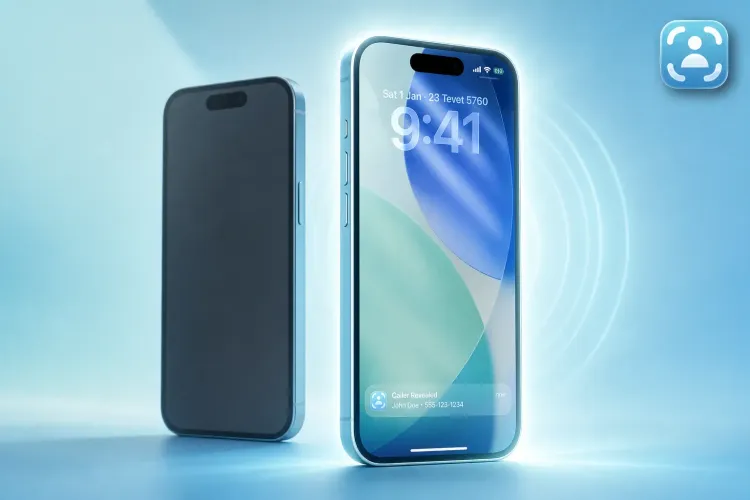
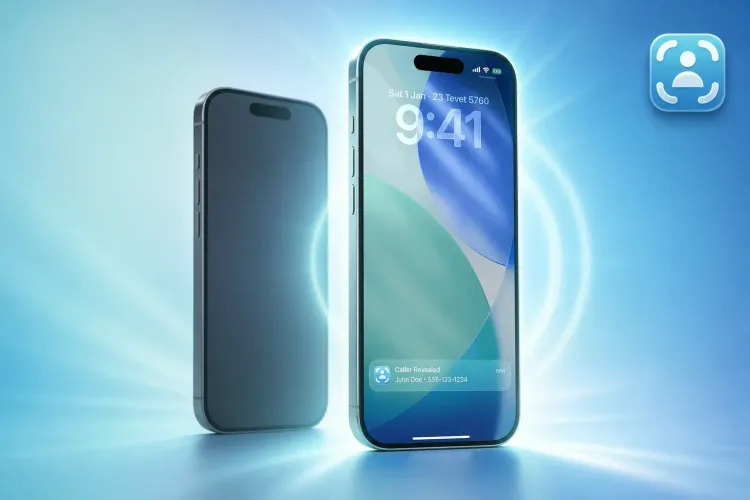
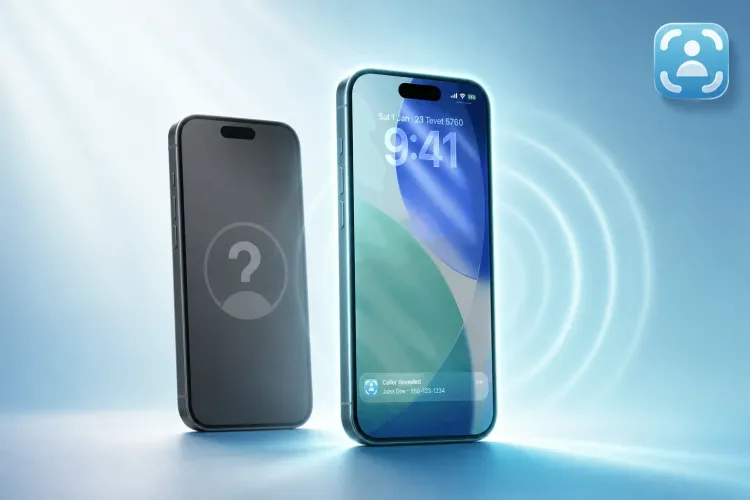
Tracback uses conditional call forwarding to unmask "No Caller ID" calls on Android and iPhone, unlike database-only apps that can't process truly hidden calls. Most caller ID apps—TrueCaller, Hiya, CallApp, Whoscall—match visible numbers against spam lists, which fails when a caller deliberately hides their digits with *67 or blocks their ID. Traceback closes that gap on both platforms.
A blocked call arrives with no number displayed. You decline it, wondering if it was your dentist or a scammer. Most apps shrug. Tracback captures it. This article breaks down the five best apps for Android in 2026 and explains which one actually solves the hidden-caller problem.
What "Reveal Blocked Number" Actually Means (And Why Most Apps Can't Do It)
"Reveal blocked number" has two distinct meanings, and most apps handle only one. First: identifying a known number from a database. TrueCaller and Hiya excel here, flagging spam before you pick up. Second: unmasking a caller who deliberately hid their number with *67 or "No Caller ID." This requires conditional call forwarding, where declined calls redirect through a system that captures the real number before the caller hangs up. Tracback uses that method to reveal hidden numbers.
Set realistic expectations. No app performs magic. If a scammer spoofs a fake number that appears on your screen, no app reveals "the real identity" behind the spoof. Tracback solves a different problem: calls that arrive with literally no number shown. That's most harassment and stalking calls. Tracback captures the hidden number, then you save the report and decide whether to file a complaint with the FTC.
The 5 Best Apps for Android (Honest Comparison)
Tracback unmasks hidden calls. TrueCaller identifies known spam from a public database. Hiya offers free caller ID and spam protection. CallApp bundles caller ID with a contact manager. Whoscall focuses on Asia-Pacific spam blocking and SMS screening. Here's how they stack up:
| App | Reveals No Caller ID | iPhone | Android | Free Trial | Best For |
|---|---|---|---|---|---|
| Tracback | Yes | Yes | Yes | Yes | Unmasking hidden calls |
| TrueCaller | No | Yes | Yes | Yes | Spam database lookup |
| Hiya | No | Yes | Yes | Yes | Free caller ID |
| CallApp | No | Yes | Yes | Yes | Contact management |
| Whoscall | No | Yes | Yes | Yes | Asia-focused SMS screening |
Only one cell in the "Reveals No Caller ID" column says "Yes." That's the dividing line. If you need to unmask a truly blocked caller, Tracback is your option here. If you just want to know whether a visible number is spam, the other four work well for that narrower task.
Mini-Reviews: What Each App Does Well (And Where It Falls Short)
Tracback
Strength: Tracback captures the actual number behind "No Caller ID" and "Blocked" calls using conditional call forwarding. You decline the call, and Tracback redirects it through its system to capture the hidden number. It works on US carriers: Verizon, T-Mobile, AT&T, Mint Mobile, Cricket, Boost, Visible, Metro, and Spectrum Mobile. You get a detailed report with the number, timestamp, and carrier that you can save, export, and share. Reports are documented records for your own use; consult a lawyer if you plan to rely on them in a legal matter.
Limitation for hidden numbers: After the free trial, Tracback is a paid subscription (check pricing here). If you need unlimited unmasking, the cost is justified. If you only get one blocked call per year, it may feel like overkill.
CallApp
Strength: CallApp is a full-featured contact manager with caller ID. It merges your address book with its database, identifies unknown callers, and blocks spam automatically. The interface is polished, and the social-media integration is a nice touch. CallApp handles both calls and texts, so you get a unified inbox.
Limitation for hidden numbers: CallApp identifies numbers that exist in its database. When a caller hides their number with *67 or "No Caller ID," there's no number to match, so CallApp can't help. It's excellent for spam protection but useless for truly blocked calls.
Hiya
Strength: Hiya offers free caller ID and spam blocking with a clean design. The call-screening feature answers unknown calls for you and asks why the caller is calling, then decides whether to let the call through. Hiya also detects AI-generated voices. The free tier is generous, and real-time fraud alerts add a layer of security.
Limitation for hidden numbers: Hiya relies on its database. If the caller is hidden, Hiya has no input to process. It's a strong spam blocker but doesn't unmask "No Caller ID."
TrueCaller
Strength: TrueCaller is a popular caller ID app globally, trusted by over 500 million users. It identifies spam, fraud, and robocalls before you pick up. The community-driven reporting system means new spam numbers are flagged quickly. TrueCaller also offers reverse lookup and integrates with iOS live caller ID features. The free tier is robust.
Limitation for hidden numbers: TrueCaller matches numbers against its public database. Hidden numbers offer nothing to match. If you're trying to reveal a "No Caller ID" call, TrueCaller won't help, though it's excellent for identifying spam from visible numbers.
Whoscall
Strength: Whoscall shines in Asia-Pacific markets with localized spam databases. It blocks calls, filters SMS, and verifies URLs and screenshots through AI. The badge system gamifies community protection.
Limitation for hidden numbers: Like the others, Whoscall checks numbers against a database. No number? No match. It's a solid spam filter but can't unmask hidden callers.
Our Recommendation: Which App Should You Actually Download?
Tracback is the top pick if your goal is revealing hidden numbers. It uses conditional call forwarding to unmask "No Caller ID" calls on both Android and iPhone. Most harassment, stalking, and persistent-scam calls arrive with no number shown. Tracback solves that. See pricing and start your free trial.
When another app fits better: if you just need spam blocking and don't care about unmasking truly hidden calls, TrueCaller's free tier is solid. If you want a contact manager that happens to include caller ID, CallApp is polished. If you're in Asia and get localized spam, Whoscall is built for that. But for the specific problem of "a blocked call just rang me, who was it?"—Tracback delivers.
What to Do Right Now (If You're Getting Blocked Calls on Android)
- Download Tracback from the Google Play Store or App Store and start your free trial.
- Open the app and set up conditional call forwarding (the app walks you through it in 30 seconds).
- Decline the next "No Caller ID" call and check the Tracback app for the captured number.
- Save the report. You can export or share it for your own records.
- If Tracback isn't your fit, install TrueCaller for spam identification, but know it won't unmask hidden callers.
FAQ
Can a blocked caller see that they are blocked?
No. When you block a number on Android, the caller hears ringing or goes straight to voicemail, with no indication they're blocked. Tracback's method is even more transparent to the caller. The call redirects through Tracback's system when you decline it, so they never reach your phone directly and have no way to know you're using call-identification technology.
How to reveal blocked numbers on iPhone?
The exact same way as Android. Tracback uses conditional call forwarding on both platforms. You decline the "No Caller ID" call, it redirects to Tracback, and the app captures the real number. Database-only apps (TrueCaller, Hiya) can't unmask hidden calls on iPhone either.
Do free apps like TrueCaller reveal blocked numbers?
No. TrueCaller identifies known spam by matching visible numbers against its database. If the caller deliberately hides their number with *67 or "No Caller ID," there's no number for TrueCaller to match, so it can't help. The free tier is useful for spam protection but not for unmasking blocked calls.
Is there an Android app that shows who called from "No Caller ID"?
Yes, Tracback. It uses conditional call forwarding to capture the hidden number before the caller hangs up. Other apps (TrueCaller, Hiya, CallApp, Whoscall) rely on databases, which can't process a call with no visible number.
Can I see blocked numbers in my Android call log?
Not natively. Android's call log shows "Blocked" or "No Caller ID" with no additional detail. You need an app like Tracback that intercepts the call and captures the real number through call forwarding.
How to see blocked contacts on Android?
Go to Settings > Blocked numbers (the path varies by manufacturer). That list shows numbers you blocked, not callers who hid their own numbers. To identify callers hiding their numbers, use Tracback.
What's conditional call forwarding and is it safe?
Conditional call forwarding redirects specific types of calls (for example, declined calls or calls when your line is busy) to another number. In Tracback's case, it goes to a system that captures the caller's real number and sends it to your app. It's a standard telecom feature, safe, and reversible. You can turn it off in your phone settings or the Tracback app. Verizon, T-Mobile, and AT&T all support it.
Are these apps legal in the US?
Yes. All five apps comply with US telecom rules. Tracback works with major US carriers. The FCC has no prohibition on call-identification apps, and conditional call forwarding is a standard carrier feature. Database apps like TrueCaller and Hiya are also legal, governed by the Telephone Consumer Protection Act (TCPA).
Try Tracback free and see the real number behind your next blocked call, then decide if it's worth keeping.
⚠️ Disclaimer: This article is general information only and does not constitute legal advice. For any specific legal situation, consult a qualified attorney. Tracback is not responsible for legal outcomes.