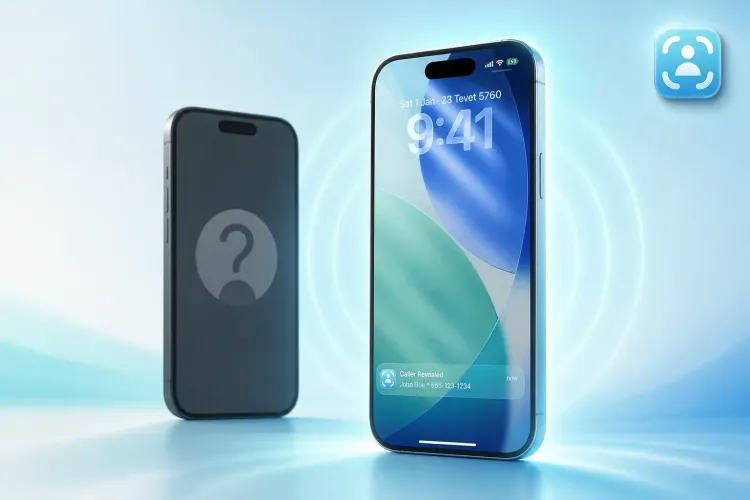
CallApp Alternative: How Traceback Reveals Hidden and No Caller ID Calls
An honest comparison of Traceback and CallApp

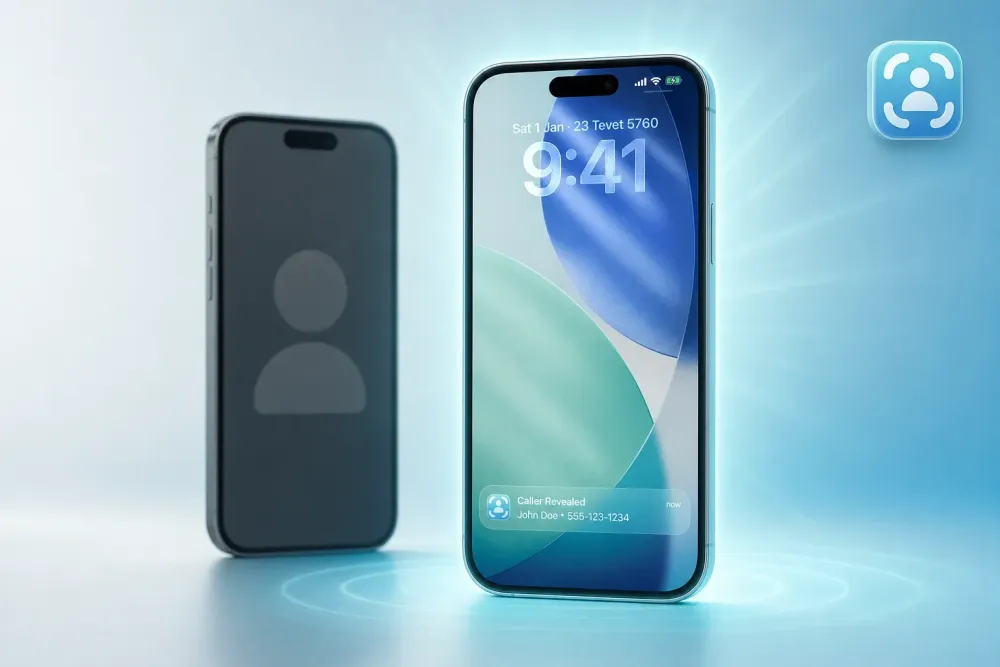
Bottom Line: Choose Based on What You Actually Need
CallApp focuses on caller ID and call recording for known numbers. Traceback reveals the actual number behind hidden and No Caller ID calls. If harassment or debt collectors hide behind "No Caller ID," choose Traceback. If you need to identify saved contacts or record conversations, choose CallApp. You might use both.
TL;DR
- CallApp offers caller ID and call recording; Traceback reveals the actual number behind hidden and No Caller ID calls
- Traceback works on both iPhone and Android using conditional call forwarding
- CallApp excels at identifying known numbers; Traceback reveals blocked and private callers
- Both offer free trials, but solve different problems
- Choose based on your main need: identifying saved contacts (CallApp) or unmasking hidden callers (Traceback)
What CallApp Does Well
CallApp is a legitimate caller ID and call recording app with over 8 billion phone numbers in its global database. It identifies unknown numbers by matching them against that database, which helps when someone calls from a number you don't recognize but that others have reported or identified. The app also blocks spam calls based on crowd-sourced data, giving you a heads-up before you pick up.
CallApp runs on iPhone and Android. It's free to download, with optional premium features. The app is genuinely useful if your main problem is identifying who owns a number that shows up on your screen, or if you need to record calls for business or personal documentation.
The Core Difference: What Each Product Actually Does
Here's where the distinction matters.
CallApp works with numbers that show up on your caller ID. It tells you who owns that number by checking its database. If the number is hidden, blocked, or displays as "No Caller ID," CallApp has nothing to match. It can't identify what isn't there.
Traceback reveals the hidden number itself. When a call arrives with No Caller ID, Traceback uses conditional call forwarding to redirect the call through its system, capture the real number, and surface it within seconds. You see the actual phone number behind the block.
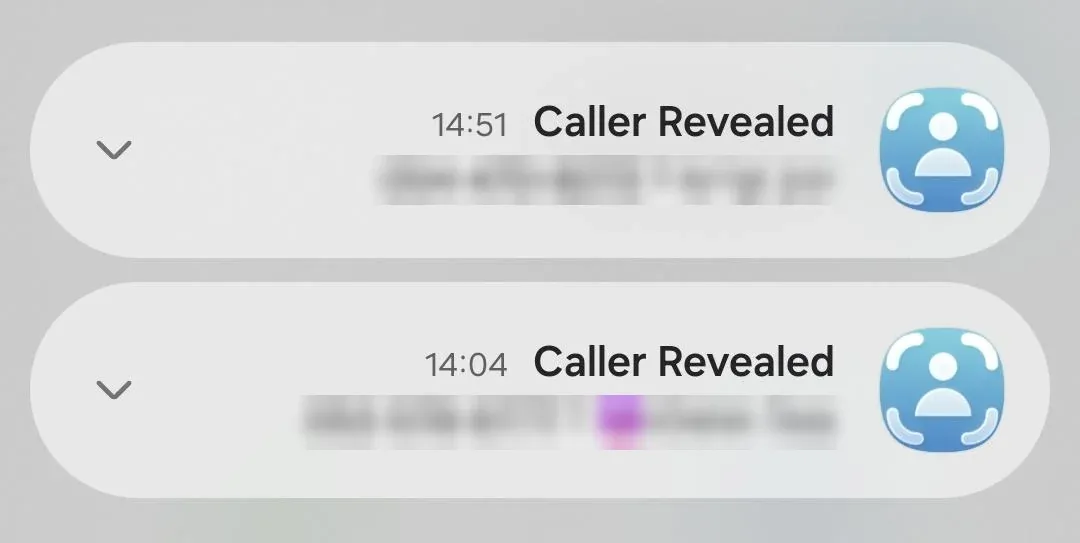
The two tools solve different problems. CallApp enhances caller ID for visible numbers. Traceback unmasks invisible ones.
Feature-by-Feature: Traceback vs CallApp
This table shows the verified differences. If a feature isn't listed, it's because research didn't confirm it for both products.
| Feature | Traceback | CallApp |
|---|---|---|
| Reveals hidden / No Caller ID calls | Yes (via conditional call forwarding) | No (requires a visible number to match) |
| Works on iPhone | Yes | Yes |
| Works on Android | Yes | Yes |
| Caller ID for known numbers | Yes (after revealing hidden caller) | Yes (matches database) |
| Call recording | No | Yes |
| Free trial | Yes | Free download with optional premium |
| Best for | Unmasking hidden, blocked, and No Caller ID calls | Identifying visible numbers and recording calls |
Traceback does not reveal the number before you answer. The call must be declined or forwarded first. CallApp identifies visible numbers in real time but cannot unmask hidden ones. For more on how Traceback handles blocked calls, see how to unmask a No Caller ID call with Traceback.
Platform Support: iPhone and Android
Both apps run on iPhone and Android. Traceback is a full-featured app on both platforms, with iPhone as the primary US audience. Setup requires enabling conditional call forwarding in your phone settings. On iPhone, this happens through Settings > Phone > Call Forwarding. On Android, it varies by carrier (Verizon, AT&T, T-Mobile each have slightly different paths). Traceback's carrier compatibility guide walks you through the exact steps for your provider.
CallApp installs like any standard app. No carrier setup required. It simply sits in the background and checks incoming numbers against its database.
If your question is "what's the best alternative to iPhone's built-in caller ID," the answer depends on what's missing. If you need to identify visible numbers better, CallApp adds that layer. If you need to see who is calling from No Caller ID, Traceback is the only tool that reveals the hidden number itself. For a detailed breakdown of how hidden, private, and unknown calls differ, read private vs unknown calls: what is the difference.
Who Each Product Is Best For
Choose Traceback if you receive calls with no number shown. This includes:
- Harassment from someone who blocks their caller ID
- Unknown creditors calling from private numbers
- Ex-partners or estranged family hiding behind "No Caller ID"
- Debt collectors or lawyers who won't identify themselves
- Anyone using call-blocking to stay anonymous
Choose CallApp if you need to identify visible numbers or record calls. This includes:
- Identifying which business is calling from a number you don't recognize
- Recording conversations for business, legal, or personal documentation
- Blocking known spam numbers based on crowd-sourced reports
- Enhancing your phone's built-in caller ID with more detail
You might use both if you receive a mix of visible spam calls and hidden harassment. CallApp handles the first category, Traceback handles the second. They complement each other because they solve different problems. For a broader comparison of apps that reveal hidden callers, see best apps to reveal No Caller ID (2026).
Common Questions: CallApp vs Traceback
What is CallApp?
CallApp is a caller ID and call recording app that identifies unknown numbers by matching them against a database of over 8 billion phone numbers. It also blocks spam calls and provides contact management features. It does not reveal hidden or No Caller ID calls.
Does Traceback work like CallApp?
No. CallApp identifies numbers that show up on your screen. Traceback reveals the number behind No Caller ID and blocked calls using conditional call forwarding. They solve different problems.
Can Traceback record calls?
No. Traceback reveals hidden numbers and generates PDF reports of those calls, which you can save or share. It does not record audio. For more on creating a report, see how to generate a PDF report of a call.
Which works better on iPhone?
Both run well on iPhone. Choose based on your need. If you receive No Caller ID calls you need to identify, Traceback is the only option. If you need to identify visible numbers or record calls, CallApp does that.
Do I need both?
Only if you face both problems. If you receive harassment from hidden numbers and also need to identify visible spam calls, using both makes sense. If you only face one problem, pick the tool that solves it.
Does CallApp reveal No Caller ID calls?
No. CallApp requires a visible number to match against its database. If the number is hidden or blocked, CallApp has nothing to work with. Traceback reveals the hidden number itself before CallApp would ever see it. For more on the difference between hidden and spoofed calls, see does Traceback detect spoofed callers?.
How does Traceback actually reveal hidden numbers?
Traceback uses conditional call forwarding. When you decline a No Caller ID call or forward it, your carrier routes it through Traceback's system. The system captures the real number (carriers always have it, even when they hide it from you), then surfaces it in the app within seconds. This happens automatically once you enable the forwarding setting.
What's the best alternative to iPhone's built-in caller ID?
It depends on what you need. iPhone's built-in caller ID only shows numbers that appear on the screen. If you need to identify who owns a visible number, CallApp adds that. If you need to see who is calling from No Caller ID, Traceback reveals the hidden number. Neither replaces the built-in system; they extend it in different directions.
Can I block No Caller ID calls and still reveal them?
Yes. If you block No Caller ID calls in your iPhone or Android settings, Traceback can still reveal them by intercepting the forwarded call before it completes. See block No Caller ID calls and still reveal them for setup details.
What to Do Right Now
- Identify your primary need: Do you receive calls with no number shown, or do you receive visible numbers you want to identify?
- If you receive No Caller ID calls, download Traceback from the App Store or Google Play.
- Set up conditional call forwarding in your phone settings (Traceback guides you step-by-step in the app).
- When a No Caller ID call comes in, tap "Reveal" to see the real number within seconds.
- If you need to identify visible numbers or record calls, download CallApp instead.
- Test the free trial to confirm which tool solves your actual problem.
For pricing details and to start your trial, visit Traceback pricing.
If you face both hidden harassment and visible spam, use both. If you only face one problem, choose the tool built for it. Traceback reveals hidden callers. CallApp identifies visible ones. Pick the right tool for your situation.
By Tom Aflalo, Co-Founder · Last reviewed November 2026
Tom Aflalo is co-founder of Traceback, the app that reveals the real number behind hidden and No Caller ID calls. Traceback has revealed many hidden and No Caller ID calls for users. We cite primary sources inline and check every article against how the app actually works.
⚠️ Disclaimer: This article is general information only and does not constitute legal advice. For any specific legal situation, consult a qualified attorney. Traceback is not responsible for legal outcomes.
Tom Aflalo is co-founder of Traceback, the app that reveals the real number behind hidden and No Caller ID calls. He works on the product and on the guides in this blog and help center, which are checked against how the app actually works.
feedback@trytraceback.com