ViewCaller Alternative: How Traceback Reveals Hidden and No Caller ID Calls
An honest comparison of Traceback and ViewCaller

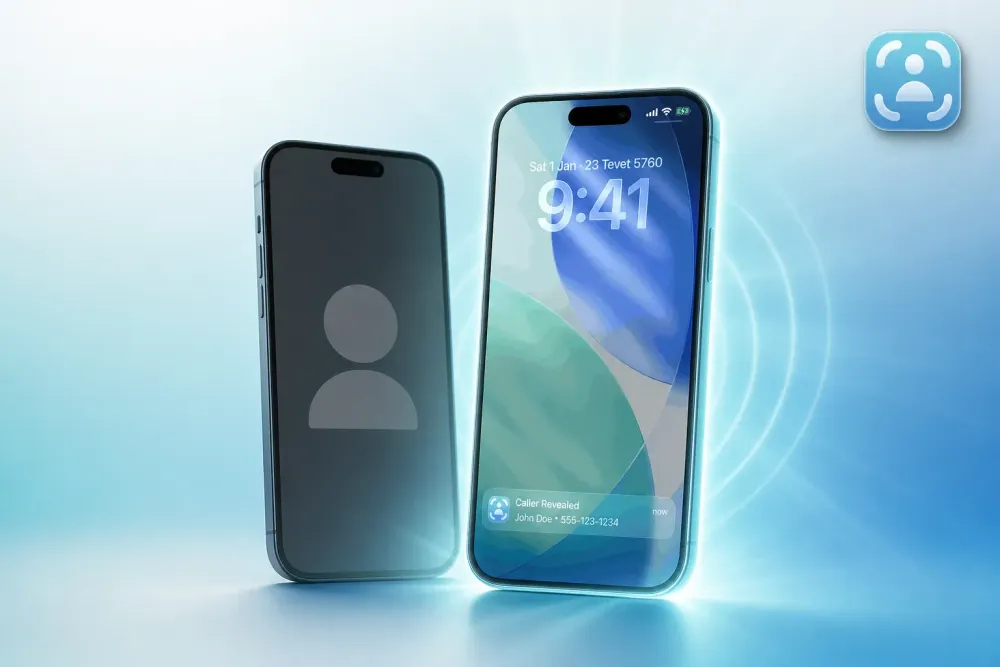
Choose Traceback if you need to reveal who's behind a hidden or No Caller ID call on iPhone or Android. Choose ViewCaller if you need caller ID lookup for numbers already visible on your screen. Different tools for different problems.
ViewCaller focuses on identifying known numbers using a crowdsourced database of over 100 million phone IDs. It excels at telling you who's calling when a number is already displayed. Traceback reveals the actual number behind hidden and No Caller ID calls, calls that arrive with no number shown at all. Both offer free trials. Your choice depends on whether you're fighting blocked calls or identifying visible ones.
TL;DR
- ViewCaller identifies known numbers using a crowdsourced database; Traceback reveals the actual number behind hidden and No Caller ID calls
- Traceback works on both iPhone and Android with the same core feature (unmasking blocked calls)
- ViewCaller excels at caller ID lookup for numbers already visible on your screen
- Both offer free trials; your choice depends on whether you're fighting hidden calls or identifying known ones
- Traceback uses conditional call forwarding to capture the real number within seconds after you decline or forward the call
Bottom Line: Traceback vs ViewCaller (Which to Choose?)
Choose Traceback if hidden, blocked, or No Caller ID calls are your problem. It reveals the actual number behind these calls on iPhone and Android. Choose ViewCaller if you need caller ID lookup for numbers already visible on your screen. It uses a crowdsourced database to tell you who's calling from a known number. Different tools for different problems.
Feature Comparison: Traceback vs ViewCaller
| Feature | Traceback | ViewCaller |
|---|---|---|
| Reveals hidden / No Caller ID calls | Yes | Not its focus (identifies known numbers) |
| Works on iPhone | Yes | Yes |
| Free trial | Yes | Free download |
| Best for | People fighting hidden/No Caller ID calls | People who need caller ID for visible numbers |
What ViewCaller Does Well
ViewCaller excels at identifying numbers that are already visible on your screen. Powered by a crowdsourced database of over 100 million phone IDs, it tells you who's calling before you answer, assuming a number is displayed. If you're getting calls from unfamiliar but visible numbers (area codes you don't recognize, local numbers you've never seen), ViewCaller can match them against its database and surface a name or category.
The app is free to download on iOS and offers spam-blocking features. It's positioned as a call management tool: you see a number, ViewCaller tells you who it likely is, and you decide whether to answer. For many people dealing with spam from known numbers, that's exactly what they need.
ViewCaller also benefits from crowdsourced data, meaning users report numbers as spam or scam, and that information feeds the database. If thousands of people flag a specific number, ViewCaller can warn you before you pick up. It's a solid tool for its intended use case.
The catch: ViewCaller doesn't reveal who's behind a call that arrives with no number at all, hidden, blocked, private, or No Caller ID. If your phone screen shows "No Caller ID" or "Blocked," ViewCaller has nothing to match against its database. That's where the two tools diverge.
The Honest Differences: How They Actually Work
How Traceback reveals hidden calls
Traceback uses conditional call forwarding to unmask hidden and No Caller ID calls on iPhone and Android. Here's what that means in practice.
First, you set up call forwarding in your phone's dialer settings (not the Traceback app, this happens in the system dialer). Verizon and T-Mobile both publish instructions for enabling conditional forwarding, and Traceback provides step-by-step guides for iPhone and Android. You're telling your carrier: "When I decline a call or when a call doesn't connect, forward it to this Traceback number."
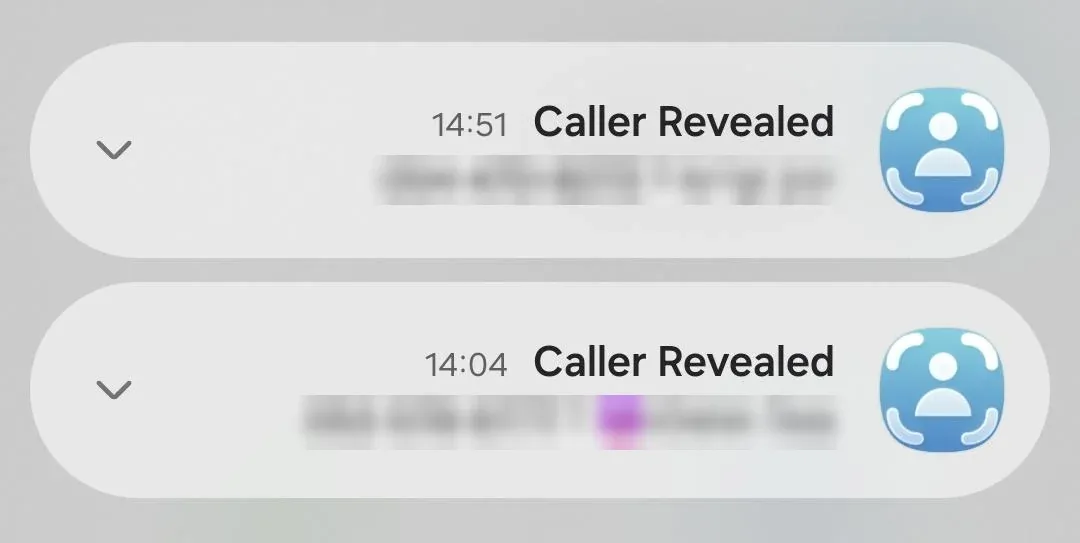
When a hidden or No Caller ID call comes in, you decline it. The call is forwarded through Traceback, which captures the real number your carrier sees, even though your screen showed no number. Traceback surfaces that number within seconds, along with the caller's name when available. You get a detailed report you can save, export as a PDF, and share.
Traceback doesn't work before you answer. It works after you decline or forward the call. That's the trade-off for revealing a number your phone never displayed. It's also why Traceback doesn't detect spoofed caller IDs. Spoofing involves a fake number being displayed, and Traceback's method reveals hidden calls, not fake ones.
The app is also available on Google Play. Traceback supports Verizon, AT&T, T-Mobile, and more US carriers. Check carrier compatibility at the Traceback help center.
How ViewCaller works
ViewCaller operates as a caller ID database lookup tool. When a call comes in with a number displayed, ViewCaller checks its crowdsourced database of over 100 million phone IDs and returns a match, a name, a business, or a spam category. It's fast and requires no setup beyond downloading the app and granting permissions.
Because ViewCaller relies on a number being visible, it doesn't reveal hidden or No Caller ID calls. If your screen shows "No Caller ID," there's no number for ViewCaller to look up. The app is designed for a different problem: identifying visible numbers you don't recognize.
ViewCaller's strength is its database size and spam-blocking integration. If you're getting bombarded by robocalls from visible numbers, ViewCaller can flag them before you answer. It's a practical tool for that specific scenario. It just doesn't solve the hidden-caller problem.
Who Each Service Is Best For
Choose Traceback if…
You're dealing with hidden, blocked, private, or No Caller ID calls. Traceback reveals the actual number behind these calls on iPhone and Android. You want a PDF report you can save, export, and share with authorities, such as filing a complaint at reportfraud.ftc.gov. You need a tool that works across Verizon, AT&T, T-Mobile, and other US carriers. You're willing to decline the call and wait within seconds for Traceback to reveal the number. Try Traceback free to see if it fits your situation.
Choose ViewCaller if…
You need caller ID lookup for numbers already visible on your screen. ViewCaller's crowdsourced database of over 100 million phone IDs excels at identifying visible numbers and flagging spam. You want a free app with no setup beyond download and permissions. You're not dealing with hidden or No Caller ID calls; your problem is unfamiliar visible numbers.
Both tools solve real problems. They just solve different ones. If your phone shows "No Caller ID" and you need to know who's calling, Traceback is the answer. If your phone shows a number you don't recognize and you want to know if it's spam, ViewCaller fits that need.
What to do right now
- Identify your actual problem: if calls arrive with no number shown (hidden, blocked, No Caller ID), you need Traceback; if calls arrive with visible numbers you don't recognize, ViewCaller may fit.
- If hidden calls are your problem, download Traceback from the App Store (iPhone) or Google Play (Android) and try the free trial.
- Follow the setup guide for iPhone or Android to enable conditional call forwarding.
- When a hidden call comes in, decline it and open Traceback to see the revealed number within seconds.
- Save the report as a PDF if the call was harassing, and file a complaint with the FTC if appropriate.
- Visit Traceback pricing to see subscription options if you're ready to commit.
FAQ
Does Traceback work on iPhone?
Yes, Traceback is full-featured on both iPhone and Android. The setup process differs slightly by platform, but the core feature (revealing hidden and No Caller ID calls) works the same. See the iPhone setup guide or the Android setup guide.
Can either service reveal spoofed numbers?
No service can reveal spoofed caller IDs. Traceback reveals hidden, blocked, and No Caller ID calls, calls that arrive with no number shown. Spoofing involves a fake number being displayed, which is a different problem. ViewCaller identifies visible numbers using its database, but if the displayed number is fake, the database match will be for the fake number, not the real caller.
Do I need both?
Probably not. They solve different problems. If you're fighting hidden calls, use Traceback. If you need caller ID for visible numbers, use ViewCaller. Running both would give you coverage for hidden and visible calls, but most people have one problem or the other, not both.
Which is better for blocked calls?
Traceback reveals the actual number behind blocked, hidden, and No Caller ID calls. ViewCaller focuses on identifying visible numbers and doesn't address the blocked-call problem.
Can I try Traceback free?
Yes, Traceback offers a free trial. Download the app from the App Store or Google Play, set up conditional call forwarding, and test it with a hidden call. See free trial details or visit pricing for subscription options.
If hidden or No Caller ID calls are your problem, try Traceback free on iPhone or Android. ViewCaller is a solid tool for identifying visible numbers, but only Traceback reveals the number behind a blocked call.
Related: CallApp Alternative: How Traceback Reveals Hidden and No Caller ID Calls
By Tom Aflalo, Co-Founder · Last reviewed November 2026
Tom Aflalo is co-founder of Traceback, the app that reveals the real number behind hidden and No Caller ID calls. Traceback has revealed 167,000+ hidden and No Caller ID calls for 34,000+ people. We cite primary sources inline and check every article against how the app actually works.
⚠️ Disclaimer: This article is general information only and does not constitute legal advice or replace consultation with a licensed attorney. For any specific legal situation, consult a qualified lawyer. Traceback is not responsible for legal outcomes.
Tom Aflalo is co-founder of Traceback, the app that reveals the real number behind hidden and No Caller ID calls. He works on the product and on the guides in this blog and help center, which are checked against how the app actually works.
feedback@trytraceback.com