Calls from an unknown number: what they are, whether to answer, how to find out who called
A practical guide to handling unknown callers and revealing hidden numbers


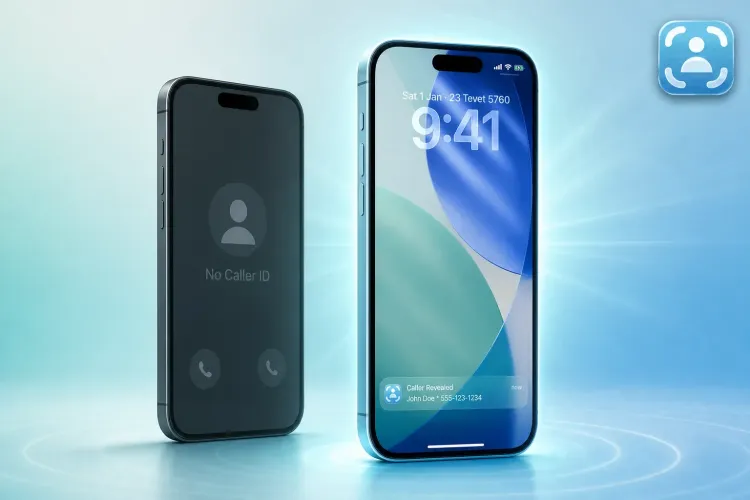
An unknown number is a call that arrives with no caller ID data, the caller's identity hidden either because their carrier didn't send it or they blocked it on purpose. Most of these calls are spam, robocalls, or scams, but some are legitimate (delivery drivers, medical offices, businesses with outdated phone systems). The safest move is to let unknown calls go to voicemail, then reveal the real number using Traceback's conditional call forwarding if the caller doesn't leave a message or keeps calling back.
This guide walks you through what unknown numbers actually are, whether you should answer, who's behind them, and how to reveal the hidden caller even after they've hung up.

Photo: Pixabay
What "Unknown Number" Actually Means on Your Phone
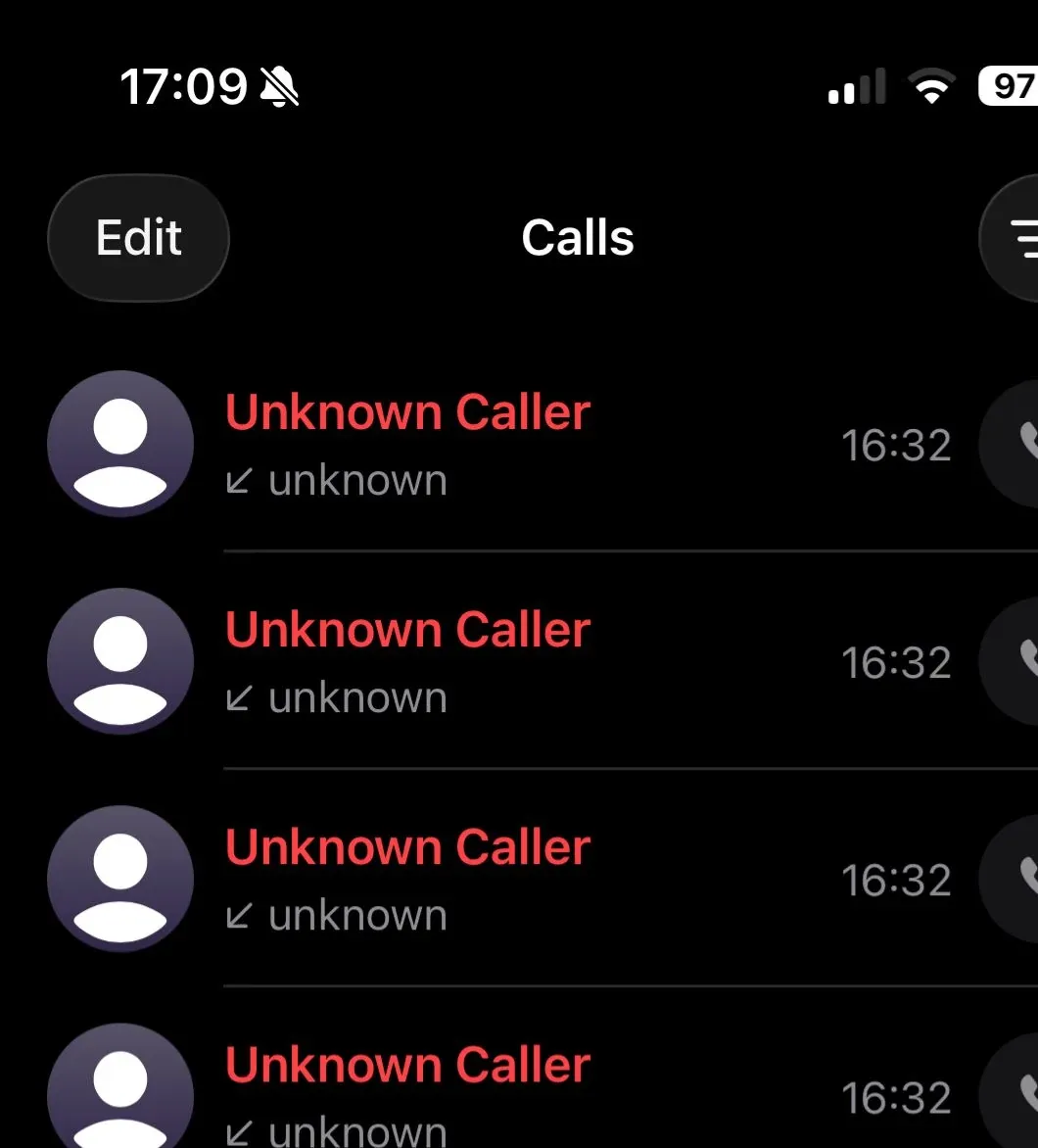
When your phone displays "Unknown," it means the network received no caller ID information at all. The caller's carrier either didn't transmit the data or the caller used a service that strips it out before the call reaches you.
Three labels hide callers on your screen:
- Unknown: the carrier sent no caller ID data (technical glitch, intentional blocking, or VoIP service)
- No Caller ID: the caller blocked their number on their own device using *67 or carrier settings
- Blocked: you added this number to your phone's block list
All three hide the number, but "Unknown" specifically means the network itself provided nothing. No Caller ID means the caller chose to hide it. The difference matters when you're deciding whether to answer or not.
If you're seeing "Unknown" repeatedly from the same source, it's often a deliberate tactic. Scammers and robocallers know you're less likely to answer a hidden call, so they use it to verify your line is active before they sell your number to other callers.
Should You Answer a Call from an Unknown Number?
Usually, no. Answering an unknown call carries real risks. Scammers use the pickup to confirm your line is live, then add you to call lists. Robocallers auto-dial millions of numbers and flag yours as active the moment you answer. Some scams even record your voice (saying "yes" to a question) to authorize fraudulent charges later.
Legitimate callers, doctors, delivery drivers, some small businesses, occasionally call from unknown numbers because their phone systems don't transmit caller ID. They'll leave voicemail if it's important. If you're expecting a time-sensitive call (a package delivery, a medical test result, a job interview callback), you can answer, but keep the conversation short and verify who they are before sharing any information.
The decision framework: if you're not expecting anything urgent, let it go to voicemail. If the caller is legitimate, they'll leave a message. If they don't, it was probably spam. If the same unknown number keeps calling with no message, it's time to reveal who they are.
Why Someone Would Call from an Unknown Number (And Who They Usually Are)
Unknown callers break into a few categories:
Debt collectors often call from hidden numbers to bypass screening. They know you'll ignore a call from "ABC Collections," so they strip the caller ID.
Telemarketers do the same thing. Hiding the number increases the chance you'll pick up out of curiosity.
Scammers use unknown calls for phishing, fake IRS threats, Social Security fraud, and tech-support scams. The anonymity lets them call from anywhere without revealing their real location or identity.
Legitimate businesses with outdated phone systems sometimes show up as unknown because their carrier setup doesn't send caller ID properly. This is rare but it happens. Older medical offices, local service providers, small repair shops occasionally fall into this category.
Personal callers who've enabled caller ID blocking on their own device. Some people turn on *67 by default for privacy reasons, so their calls always show as hidden.
At Traceback, users have reported that the hidden-caller mix skews heavily toward robocalls and scams. Legitimate unknown calls do happen, but they're the minority. When an unknown number keeps calling with no voicemail, it's almost never someone you want to talk to.
What We See at Traceback
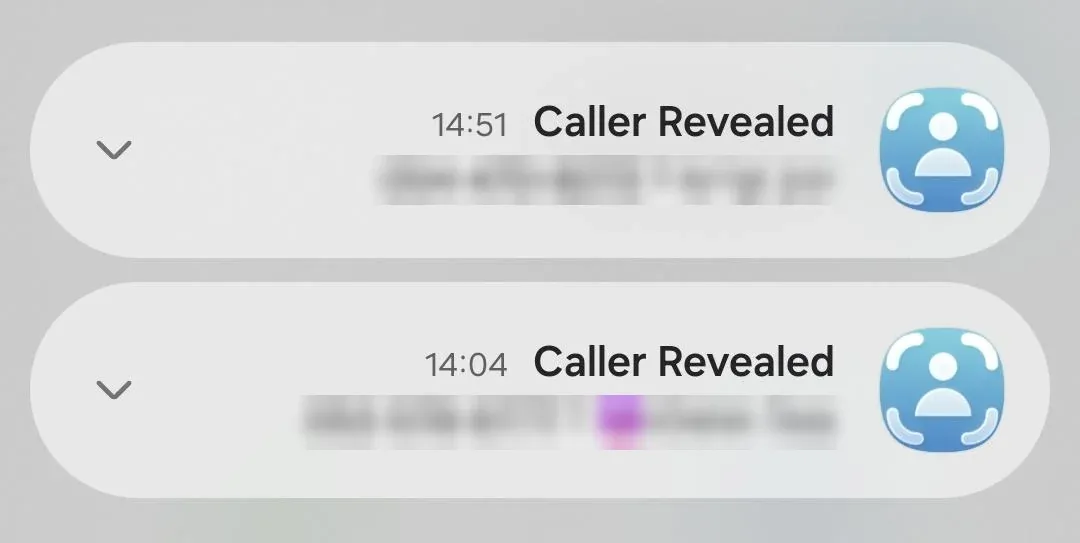
Traceback has revealed over 167,000 hidden and No Caller ID calls for users across the US. Most of these callers are persistent, calling multiple times, leaving no message, and disappearing if you answer. When the real number surfaces, it's usually a robocaller, a spoofed business line, or a scam operation. The pattern is consistent: legitimate callers leave voicemail; unknown callers who don't are almost always spam.
How to Reveal an Unknown Number Using Call Forwarding
Traceback reveals the real number behind unknown calls using conditional call forwarding. When you decline or ignore a blocked or unknown call, it redirects through Traceback's system, which captures the actual number your carrier sees (even if your phone doesn't display it). The app then surfaces the caller's name when available and generates a report you can save or share.
Setup takes under two minutes. You'll enable call forwarding for declined and unanswered calls only, your regular calls aren't affected. The app walks you through the carrier-specific codes for Verizon, AT&T, T-Mobile, Mint Mobile, Cricket, Boost, Visible, Metro, US Cellular, and Spectrum Mobile. Both iOS and Android are supported.
Once it's set up, the next time an unknown number calls, you decline it or let it ring out. Within seconds, Traceback reveals the number and the caller's identity if we have it. You can unmask a No Caller ID call with Traceback even if the caller hangs up before you pick up.
The report includes the number, the name (when available), the time and date, and the carrier. You can export it as a PDF if you need documentation for a harassment complaint or an FTC report.
This method works because carriers do receive the real number on their network, even when your phone displays "Unknown." Traceback taps into that carrier-level data by routing the call through our system when you decline it. It's not a lookup or a reverse search, it's a live reveal using the actual call data.
What to Do Right Now If an Unknown Number Keeps Calling
- Don't answer the call, let it go to voicemail and check if the caller leaves a message.
- Block the number if it repeats. On iPhone, open Phone, go to Recents, tap the (i) icon, scroll down and tap "Block this Caller." On Android, open Phone, go to Recents, long-press the number, and select "Block/report spam."
- Set up Traceback's call forwarding, download the app, create your account, and follow the in-app setup to enable conditional forwarding for your carrier (Verizon, AT&T, T-Mobile, and more).
- Reveal the next unknown call, when the same number calls again, decline it and Traceback will capture the real number within seconds.
- Report persistent harassment to your carrier. Verizon, AT&T, and T-Mobile all accept reports of abusive calls. Contact customer service and provide the date and time.
- File an FTC complaint if it's a scam, go to reportfraud.ftc.gov and submit the caller's number and details. Attach the Traceback report if you have one.
You can check if your carrier is supported by Traceback before you sign up. There's a free trial, so you can test the reveal on a real unknown call before committing.
How to Block Unknown Numbers Permanently (iPhone and Android)
If you want to silence all unknown calls automatically, both iPhone and Android have built-in settings.
On iPhone: Go to Settings, Phone, then Silence Unknown Callers. Toggle it on. From now on, any call from a number not in your Contacts, recent calls, or Siri suggestions will be silenced and sent straight to voicemail. The call will still show up in your recent list, but your phone won't ring.
On Android: Open the Phone app, tap the three-dot menu, go to Settings, Blocked numbers, and toggle on "Block unknown callers." The exact path varies by manufacturer (Samsung, Google Pixel, OnePlus), but the option is usually under call settings.
The tradeoff: you'll miss legitimate unknown calls. A delivery driver calling from a personal phone, a medical office with no caller ID, or a business callback will all go to voicemail. That's why the best approach is to combine native blocking with Traceback. The call gets blocked on your phone, redirected through Traceback, and revealed in the app. You never hear the ring, but you still get the number.
Frequently Asked Questions
Can I find out who called from an unknown number after the call?
Not from your phone's call log alone, it stores no number to look up. If you've set up Traceback's call forwarding and the call came through the system, the app reveals the number even after the caller hangs up. You can review past revealed calls anytime in the app.
Is an unknown number the same as No Caller ID?
No. Unknown means the carrier sent no caller ID data (technical issue or intentional blocking). No Caller ID means the caller blocked it themselves using *67 or a carrier setting. Both hide the number, but the cause is different. Traceback reveals both types the same way.
Why do unknown numbers call and hang up immediately?
It's usually a robocaller verification test. Automated systems dial millions of numbers, hang up after one ring, and flag your line as active if you pick up or call back. That adds you to a call list that gets sold to other robocallers and scammers.
Are unknown number calls always spam?
No, but most are. Legitimate callers include some businesses, medical offices, and personal callers who've enabled caller ID blocking for privacy. If the caller is real and the call is important, they'll leave voicemail.
Can I call an unknown number back?
No. Your phone doesn't store the actual number, so there's nothing to dial. Some people try *69 (last-call return), but it cannot retrieve blocked numbers, including those where the caller used *67 or other blocking methods.
Does *69 work for unknown numbers?
No, *69 cannot retrieve blocked numbers. It's unreliable for unknown calls. Traceback's method is more reliable because it captures the number at the network level and surfaces the name.
How do scammers hide their number to show as Unknown?
They use VoIP services (Voice over IP) or carrier settings that don't transmit caller ID data. Some also spoof numbers to display fake names like "IRS" or "Medicare," but Unknown typically means no ID was sent at all. For more on spoofing, see the FCC's Consumer Guide to Caller ID Spoofing.
Is blocking unknown callers safe, or will I miss important calls?
It's safe, but you'll miss unknown calls that might be legitimate, delivery drivers, medical offices, job callbacks. Best practice: use Traceback to reveal the caller first, then block if it's spam. That way you see who it is before you decide.
Unknown vs Private vs No Caller ID: What's the Real Difference?
People often confuse these labels because they all hide the caller, but the technical cause is different:
- Unknown: the carrier provided no caller ID (network issue, VoIP, or intentional blocking)
- No Caller ID: the caller blocked their number using *67 or a device setting
- Private: some carriers use this label instead of "Unknown" or "No Caller ID." It means the same thing.
The practical takeaway: all three hide the number, and Traceback reveals all three using the same call forwarding method.
Why Most People Don't Answer Unknown Calls
Recent data shows that only a small fraction of people answer unknown calls now. That's a problem if you're waiting for a legitimate callback but can't tell spam from real calls. Ignoring everything that shows as "Unknown" means you might miss a delivery, a medical appointment confirmation, or a job offer.
The solution isn't to answer every unknown call, it's to reveal the number first, then decide. Traceback lets you see who's calling before you pick up or call back.
How Traceback Compares to Caller ID Apps
Caller ID apps like Truecaller and Hiya identify incoming calls by checking them against their databases of known spam numbers and user-reported data. That works fine when the caller's number is visible, but it breaks down completely for unknown calls, there's no number to match.
Traceback doesn't rely on a database. It captures the actual number your carrier sees when the call comes in, even if your phone displays nothing. That's why Traceback works for No Caller ID, Unknown, and Blocked calls while lookup apps can't.
Next Time an Unknown Number Calls, You'll Know Who It Is
Unknown numbers hide the caller, but they don't hide the call itself, your carrier still sees the real number on the network. Traceback taps into that carrier-level data using conditional call forwarding, revealing the number within seconds even if the caller hangs up.
Download Traceback, enable call forwarding in two minutes, and the next time an unknown number calls, you'll see exactly who it is. Try it free, no credit card required. See pricing and plans here.
Related: Private number calling me: how to find out who it is
⚠️ Disclaimer: This article is general information only and does not constitute legal advice. For any specific legal situation, consult a qualified attorney. Traceback is not responsible for legal outcomes.
Tom Aflalo is co-founder of Traceback, the app that reveals the real number behind hidden and No Caller ID calls. He works on the product and on the guides in this blog and help center, which are checked against how the app actually works.
feedback@trytraceback.com