Spam Blocker Apps vs Traceback: Why Robocall Blockers Miss No Caller ID
RoboKiller, Nomorobo, Hiya, YouMail, RealCall, RoboShield and Call Protect, compared with Traceback

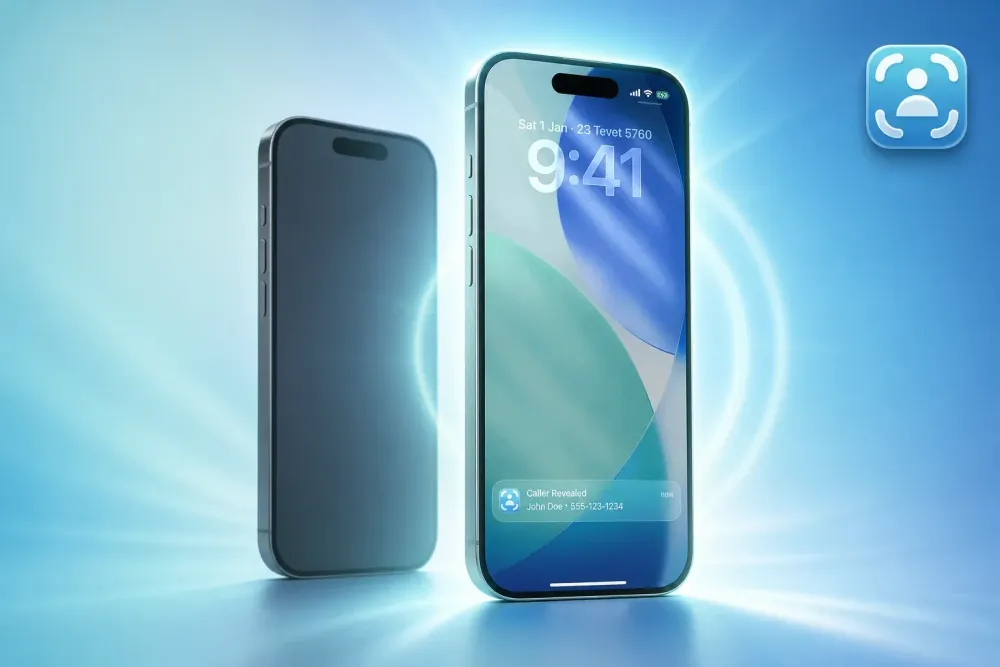
Spam and robocall blockers like RoboKiller, Nomorobo, Hiya, YouMail, RealCall, RoboShield and AT&T Call Protect are good at one job: stopping known junk calls. They all have the same blind spot. When a call arrives as No Caller ID, there is no number on your screen for them to check, so they can't tell you who is calling.
Traceback does a different job. It reveals the real number behind a hidden or No Caller ID call. This guide explains how the two kinds of apps work, what each blocker on the list is built for, and when you need one, the other, or both.
The short answer
- You get a lot of robocalls from visible numbers: a spam blocker is the right tool.
- Someone keeps calling you from a hidden number: a spam blocker can't help, because it has no number to match. Traceback reveals that number.
- You get both: they can work side by side, with one condition explained below.
Why spam blockers can't see hidden callers
Every spam blocker on this list works the same basic way. A call comes in, the app reads the caller's number, and it checks that number against a database of reported spam, an AI model, or a list of rules. If the number looks bad, the call is blocked, sent to voicemail or labeled.
A No Caller ID call breaks that chain at the first step. The caller asked their carrier to hide the number, so your phone never receives it. The blocker has nothing to look up. That is why people keep getting hidden calls even with a good spam app installed.
What each app is built for
| App | Main job | Reveals a No Caller ID number? |
|---|---|---|
| RoboKiller | Blocks spam and robocalls | No |
| Nomorobo | Blocks known robocallers using a database | No |
| Hiya | Caller ID and spam warnings for visible numbers | No |
| YouMail | Visual voicemail and spam blocking | No |
| RealCall | AI call screening and spam blocking | No |
| RoboShield | Blocks spam calls before they ring | No |
| AT&T Call Protect (ActiveArmor) | AT&T's spam and fraud call protection | No |
| Traceback | Reveals the real number behind hidden calls | Yes |
Features and plans change, so check each app's own store page for current details.
How Traceback reveals a hidden number
Traceback uses conditional call forwarding, a standard feature that US carriers offer on regular plans.
- Install Traceback on iPhone or Android and choose your carrier.
- Set up call forwarding once, following the steps in the app. Guides: iPhone and Android.
- When a No Caller ID call comes in, decline it. The call goes through Traceback's service, and the real number appears in the app within seconds, with a name when one is available.
Traceback works on Verizon, AT&T, T-Mobile and prepaid brands that run on their networks, such as Cricket, Metro, Mint and Visible. See every supported carrier.
What we see at Traceback
Traceback has revealed more than 167,000 No Caller ID calls for over 34,000 people. Every one of those calls arrived with no number on the screen, which means no spam blocker could have identified it. Blocking a hidden caller can quiet your phone, but it doesn't tell you who is calling. Knowing the number lets you decide what to do next, from simply ignoring it to documenting it with a PDF report from the app.
Can I use a spam blocker and Traceback together?
Often yes. The one thing to watch is call forwarding: your line can forward unanswered or declined calls to only one place. Some blockers and voicemail apps, such as visual voicemail services, also rely on call forwarding. If yours does, the two will compete for the same setting, and you need to pick one for declined calls.
Blockers that work inside your phone, using the iPhone call blocking extension or Android call screening, usually don't use forwarding and can run next to Traceback.
If you want to block hidden calls and still know who they were, read how to do it on iPhone or Android.
Which one should you choose?
- Choose a spam blocker if most of your unwanted calls show a number and you mainly want fewer interruptions.
- Choose Traceback if the calls that bother you show No Caller ID, Private or Blocked, and you need to know who is behind them.
- Use both if you get heavy spam and a hidden caller, as long as only one of them uses call forwarding.
Related guides
- How to find out who called from No Caller ID
- What does No Caller ID mean?
- Caller ID apps vs Traceback
- TrapCall vs MaskOff vs Traceback
- Truecaller alternative for No Caller ID
FAQ
Do spam blockers stop No Caller ID calls? Some can send all hidden calls to voicemail or block them, but none can tell you the number, because the number never reaches your phone.
Do I need to answer the call for Traceback to reveal it? No. Decline it. Declining is what sends the call to be revealed.
Can Traceback reveal calls from before I installed it? No. It reveals calls that come in after setup.
Is there a free trial? Yes. The monthly and annual plans start with a 3-day free trial. The weekly plan has no trial and starts right away. See pricing.
Tom Aflalo is co-founder of Traceback, the app that reveals the real number behind hidden and No Caller ID calls. He works on the product and on the guides in this blog and help center, which are checked against how the app actually works.
feedback@trytraceback.com


