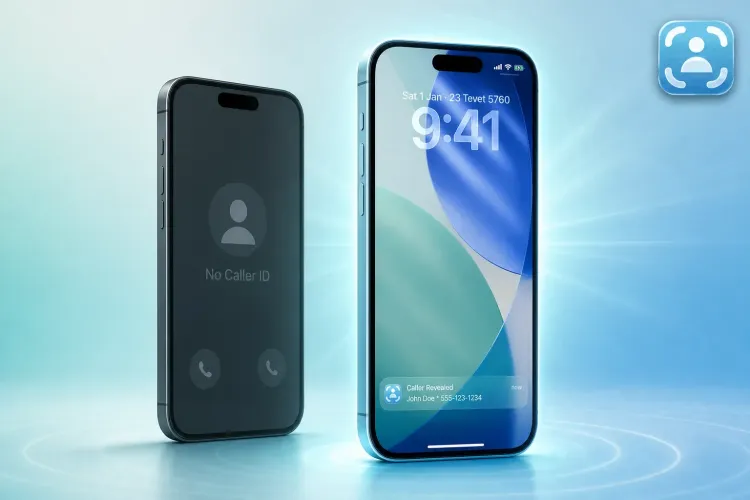
Caller ID Apps vs Traceback: Why Lookup Apps Can't Name a No Caller ID Call
CallApp, Sync.ME, ViewCaller, LiveCaller, Mr. Number and Numbo, compared with Traceback

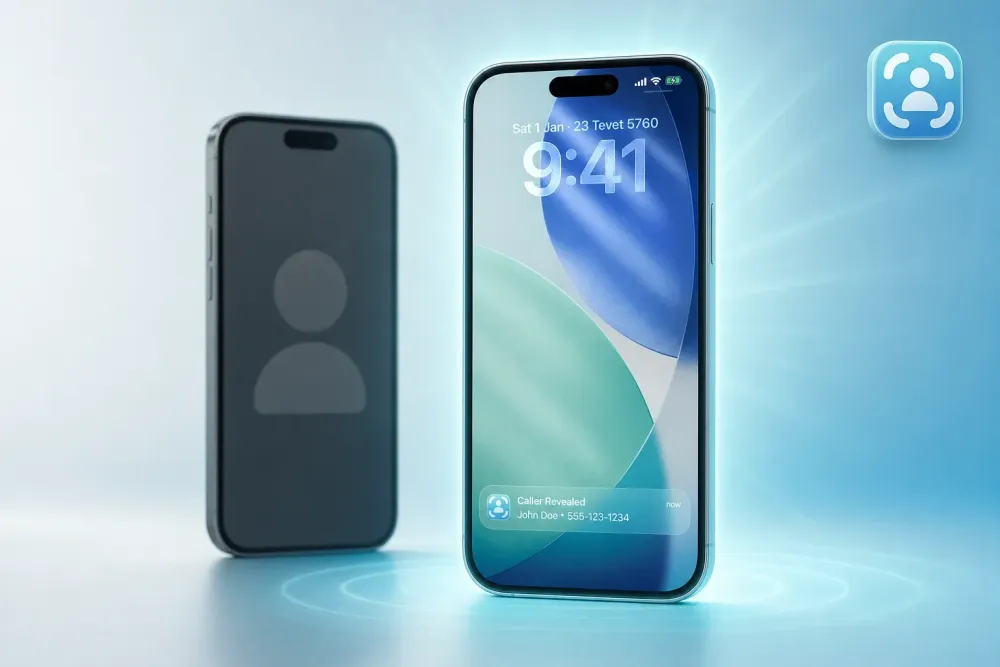
Caller ID and number lookup apps like CallApp, Sync.ME, ViewCaller, LiveCaller, Mr. Number and Numbo all answer one question: whose number is this? They take the number shown on your screen and match it to a name, a business or a spam report.
That works well when a number is showing. It doesn't work when your screen says No Caller ID, Private or Blocked, because there is no number to look up. This guide explains why, what each of these apps is built for, and what to use when the caller hides their number.
The short answer
- The number is showing but you don't know whose it is: a caller ID or lookup app is the right tool.
- The screen shows No Caller ID: a caller ID app has nothing to search. Traceback reveals the real number behind the hidden call.
Why caller ID apps go blank on hidden calls
A caller ID app needs an input: the caller's phone number. It sends that number to its database, which is built from user contacts, community reports or public listings, and returns whatever it finds.
When someone hides their number, their carrier sends the call to you without it. Your phone never receives the digits, so the app has nothing to match. However large its database is, the result for a No Caller ID call is the same: no name and no number.
What each app is built for
| App | Main job | Reveals a No Caller ID number? |
|---|---|---|
| CallApp | Caller ID, contact details and call recording for visible numbers | No |
| Sync.ME | Matches visible numbers to names from its database and community reports | No |
| ViewCaller | Caller ID lookup from a crowdsourced database | No |
| LiveCaller | Real-time caller identification and spam filtering for visible numbers | No |
| Mr. Number | Spam matching and reverse lookup of visible numbers | No |
| Numbo | Caller ID and number lookup for numbers you already have | No |
| Traceback | Reveals the real number behind hidden calls | Yes |
Features change over time, so check each app's store page for current details.
How Traceback reveals a hidden number
Instead of looking a number up, Traceback captures it. It uses conditional call forwarding, a standard carrier feature.
- Install Traceback on iPhone or Android and choose your carrier.
- Set up call forwarding once, following the steps in the app. Guides: iPhone and Android.
- When a No Caller ID call comes in, decline it. The call passes through Traceback's service, which receives the original number, and the number appears in the app within seconds, with a name when one is available.
Traceback works on Verizon, AT&T, T-Mobile and prepaid brands on their networks, such as Cricket, Metro, Mint and Visible. See every supported carrier.
What we see at Traceback
Traceback has revealed more than 167,000 No Caller ID calls for over 34,000 people. Each of those calls reached its owner with no number on the screen, the exact case where a lookup app has nothing to work with. Once the number is revealed, a lookup app can become useful again: you now have a number you can search.
Can I use a caller ID app and Traceback together?
Usually yes. Most caller ID apps work inside your phone and don't use call forwarding, so they don't interfere with Traceback. They also complement each other: Traceback reveals the hidden number, and your caller ID app or a search can tell you more about it.
If an app you use does rely on call forwarding (some voicemail services do), your line can forward to only one place, so choose one for declined calls.
Which one should you choose?
- Choose a caller ID app if your unknown calls show a number and you want a name for it.
- Choose Traceback if the calls that bother you show No Caller ID, Private or Blocked.
- Use both for full coverage: Traceback for hidden numbers, a caller ID app for visible ones.
Related guides
- How to find out who called from No Caller ID
- Private number calling me: how to find out who it is
- Spam blocker apps vs Traceback
- TrapCall vs MaskOff vs Traceback
- Truecaller alternative for No Caller ID
FAQ
Can a reverse lookup site find a No Caller ID number? No. Reverse lookup needs a number to search, and a hidden call doesn't give you one.
Do I need to answer the call for Traceback to reveal it? No. Decline it. Declining is what sends the call to be revealed.
Does Traceback work for calls before I installed it? No. It reveals calls that come in after setup.
Is there a free trial? Yes. The monthly and annual plans start with a 3-day free trial. The weekly plan has no trial and starts right away. See pricing.
Tom Aflalo is co-founder of Traceback, the app that reveals the real number behind hidden and No Caller ID calls. He works on the product and on the guides in this blog and help center, which are checked against how the app actually works.
feedback@trytraceback.com